
Longer answer over several lines. Included in the free plugin.
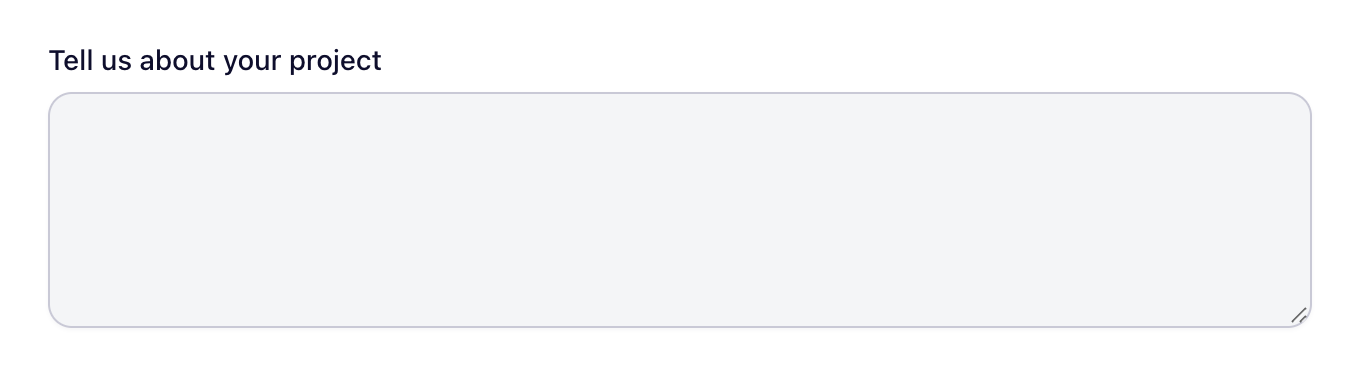
Add it to a form
- Open your form in the builder.
- In the field library, find Paragraph under Basic, or type its name in Search fields.
- Drag it onto the canvas, or click it to add it at the end.
- Select it on the canvas to change its settings.
Settings
Besides the label, help text, required setting, width and logic that every field has, this field has its own settings:
- Placeholder
- Rows
- Max Length
- Default value
- Minimum characters
- Read-only
Plans
| Free | Starter | Pro | Agency |
|---|---|---|---|
| Included | Included | Included | Included |
Changelog
No changes to this field have been listed in the release notes yet.