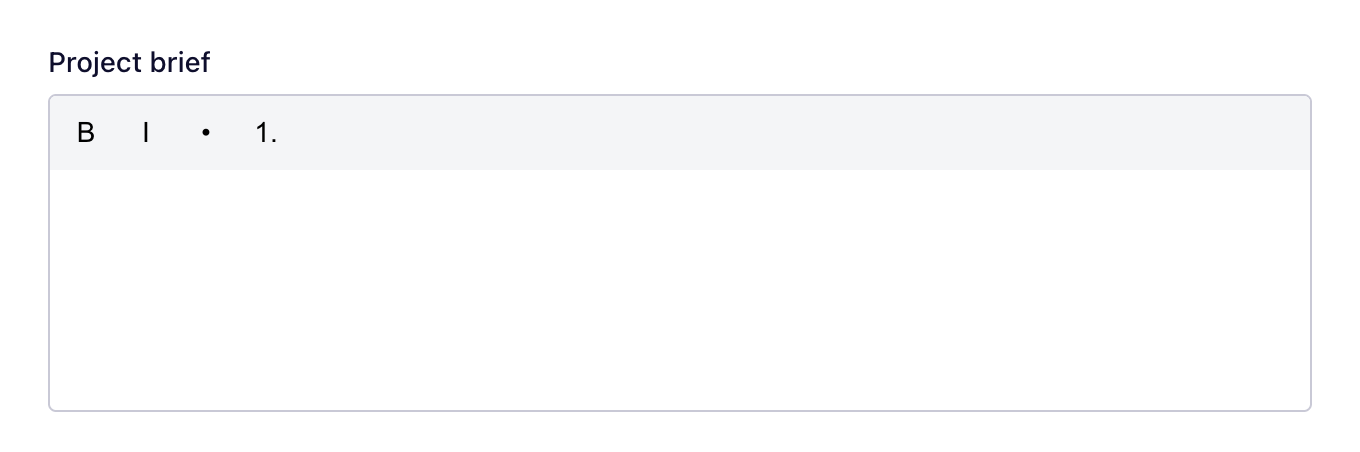
The SubtleForms Rich Text field: formatted text editor. Settings, plans and changelog.
Formatted text editor. Included in the free plugin.
Add it to a form
Open your form in the builder.
In the field library, find Rich Text under Advanced, or type its name in Search fields.
Drag it onto the canvas, or click it to add it at the end.
Select it on the canvas to change its settings.
Plans
Free
Starter
Pro
Agency
✓Included
✓Included
✓Included
✓Included
Changelog
Version
What changed
2.4.1
Change: "Inherit from theme" adds no styling of its own. The theme styles the fields, labels and buttons, and the buttons use the theme's button style. Custom controls such as the dropdown and date pickers, the signature pad and the rich text editor keep their look so they stay usable.
2.4.0
Fix: A required Rich text field with no text in it is refused.
2.3.0
Performance: The signature pad and rich text editor are downloaded only on pages whose form has those fields. Pages without a form load nothing from SubtleForms.
2.3.0
Fix: A form whose only fields were, for example, a Signature or Rich text field could not be published. Any field that takes an answer now counts, including fields inside columns.
2.2.1
Fix: Rich text answers keep paragraphs, line breaks, bold, italic, lists and links.